



FORGE WARRIOR
A downloadable game for Windows and Linux
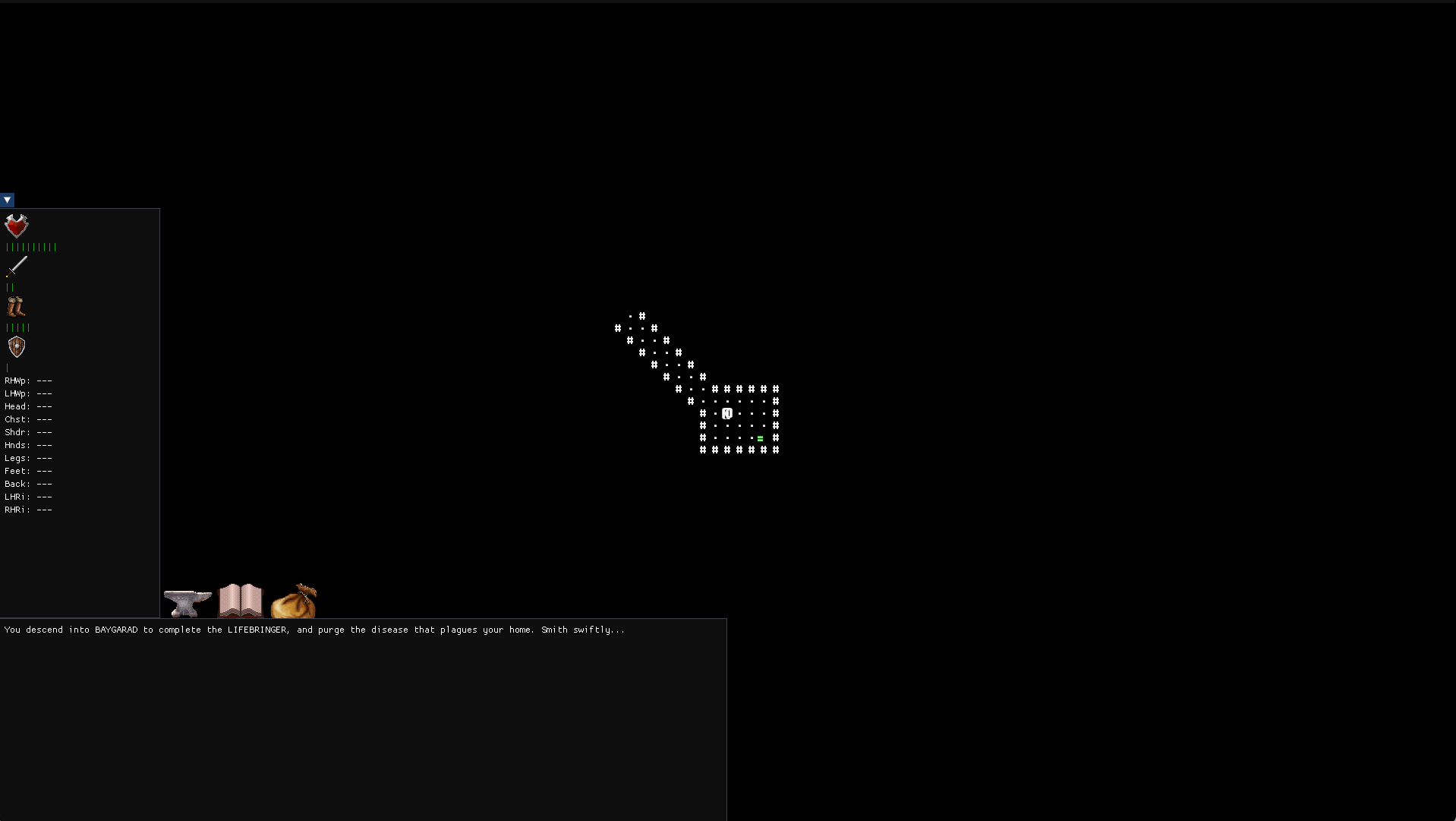
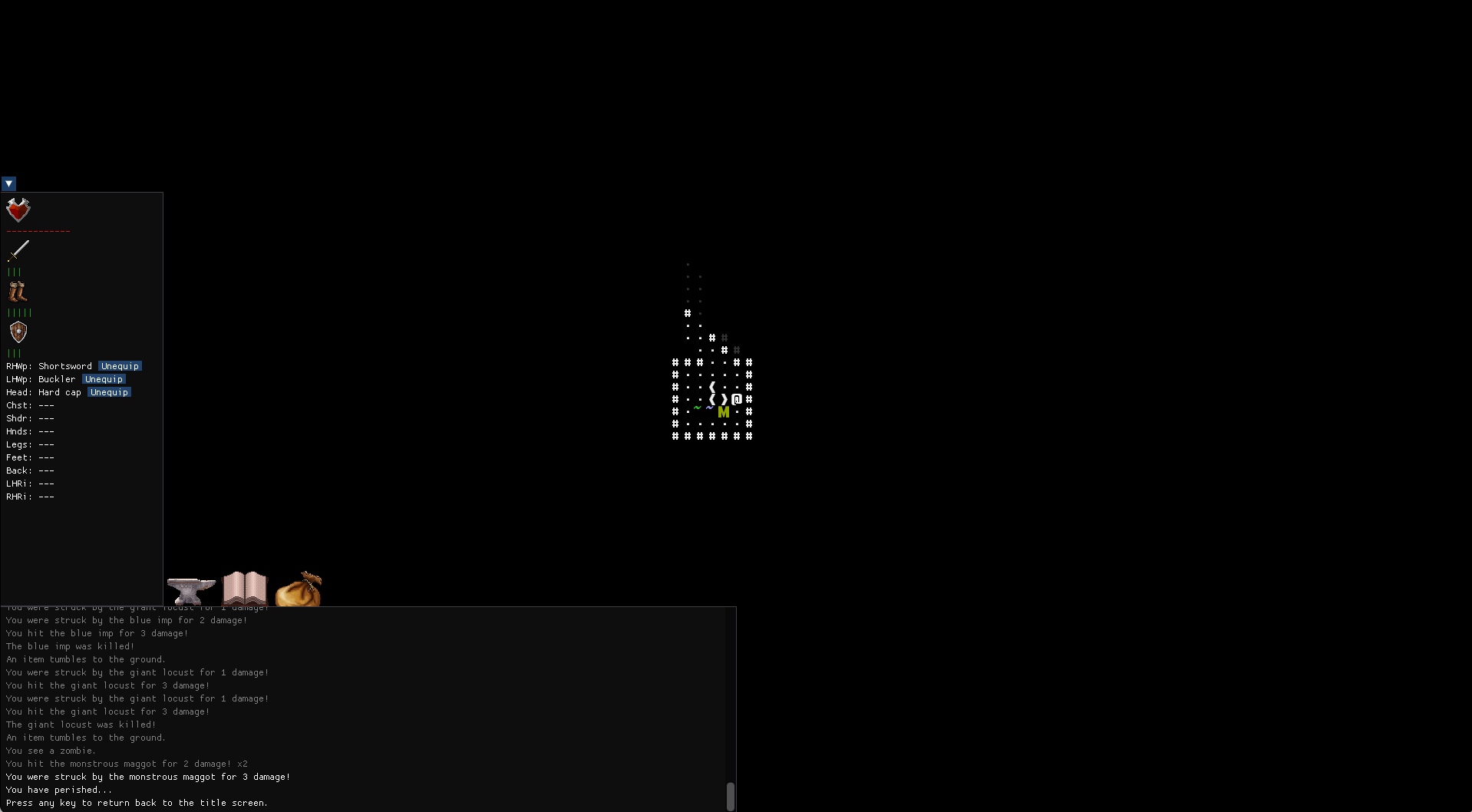
In FORGE WARRIOR, you play as the titular Forge Warrior, a warrior trained to fight expertly with weapons and armor of their own creation. You must fight your way through BAYGARAD, in order to slay the LICH and take his SOUL, defeat the DRAGON and steal his HEART, and banish the DEMON KING and reap his HORNS. All this to forge the legendary LIFEBRINGER, a weapon said to give life instead of taking it. You must take this blade to the surface, where you will use it to save your village of a terrible disease.
Smith swiftly, Forge Warrior...
Controls
- Use the numpad to move the character around. 5 waits for a turn. Walk into an enemy to attack them.
- Press ">" to go down a downward staircase, or to move to a different branch of the dungeon. Press "<" to go up an upward staircase.
- "g" will pick up an item off the ground. If there are multiple items on the ground, it will instead open up a menu where you can select which items you want to pick up. To pick up everything, just press g again.
- "i" will open up the players inventory. You can equip items from here, drop them, or read a recipe you have found.
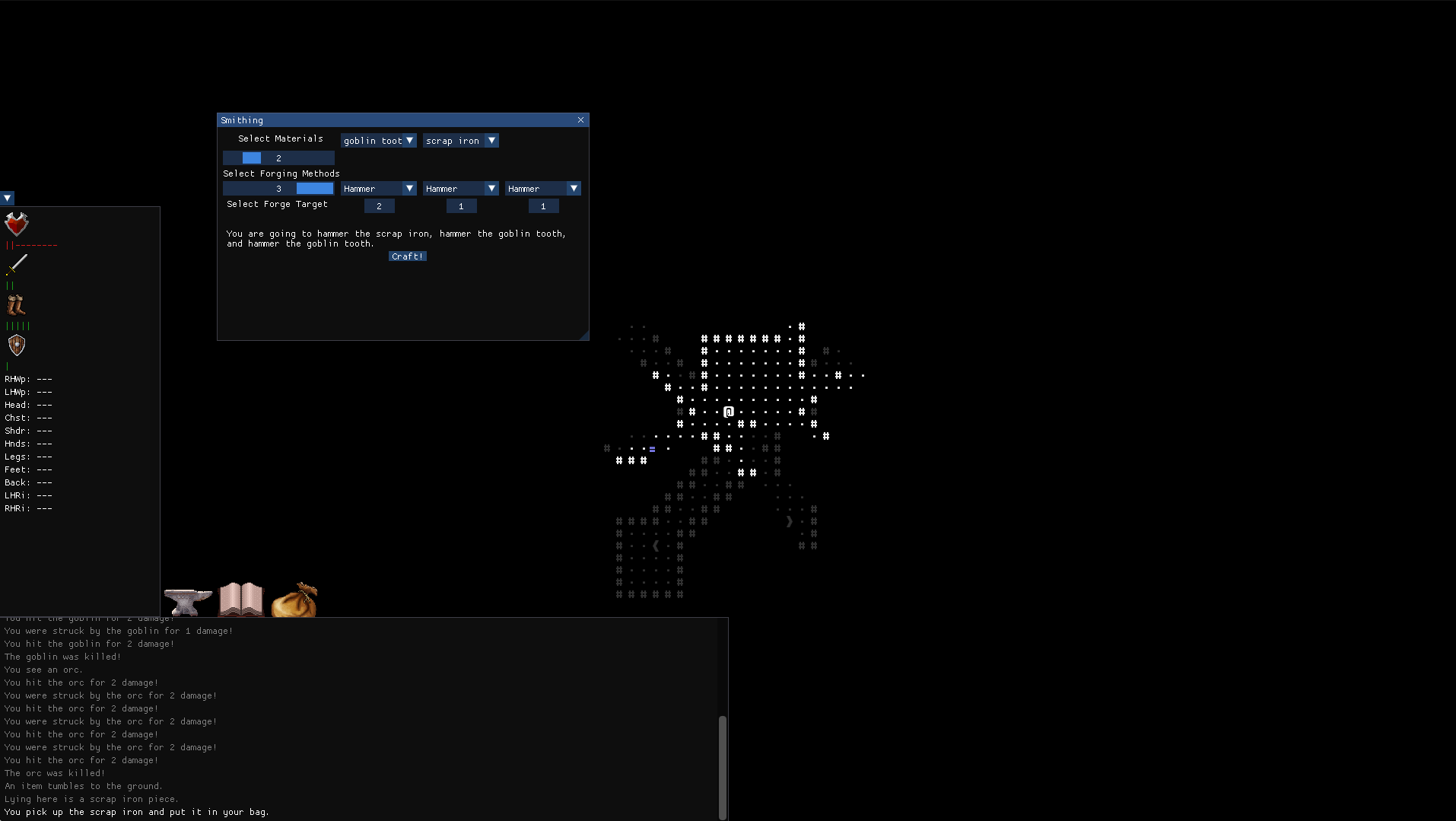
- "c" will open up the crafting menu. You craft an item by taking 1-6 different materials, applying 1-3 different forging techniques on 3 of those materials, selectable below the forging technique. Recipes are unique, but different combinations of materials and forging techniques can make the same item. So experiment!
- "r" will open up a simple recipe book, showing you how to make a shortsword, a buckler, and giving you a general guide on how to make the LIFEBRINGER.
This game was made as part of the 2026 7DRL Game Jam.
Download
Comments
Log in with itch.io to leave a comment.
Couldn't really get anywhere in this one.
Haha, yeah, I realized I made it a bit too hard with the recipe obfuscation. Newer version I'm working on gives you the health potion recipe from the start, and drops are way better too, so that helps some, I think. For the text box thing, you can double click it to do text entry instead of the scroll, but I suppose that's not clear. Maybe some more tooltips would help? I had hoped the text description of what you were doing to the materials would help people figure out that you need to switch the materials with the numbers below, but I suppose that didn't work.
I have considered recipes between runs, as I thought it might be annoying. I did not have enough time to implement it anyways, but you're probably right, there should be some meta progression there. Thanks for playing!
Likely in terms of the crafting, you likely just needed some sort of tutorial. Tooltips will likely leave to what was seen in the video still bumbling around until one gets it.
Not sure about a tutorial, per se, but I was going to implement an in game help that explains the controls. I could briefly explain the canonical way to create a shortsword, plus some different principles as well.